
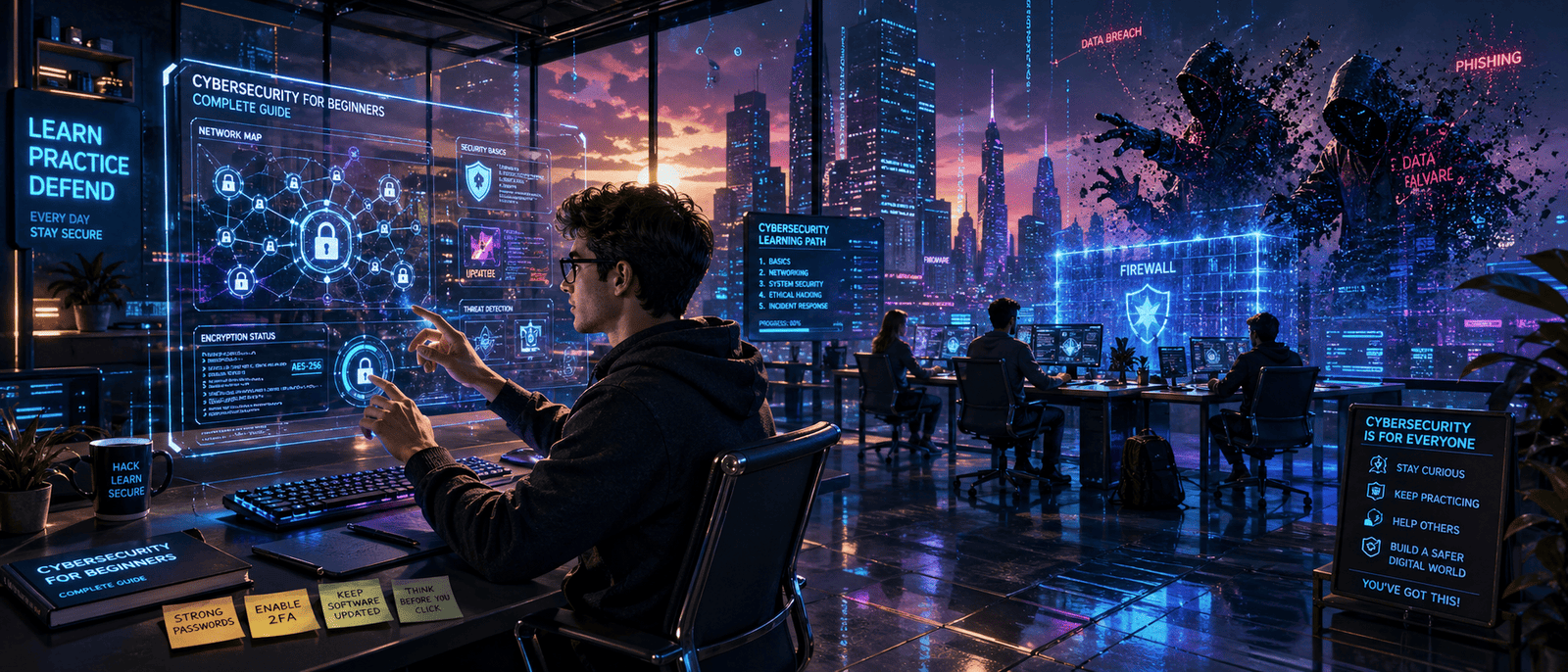
In today’s world almost everything happens online. We shop, study, chat with friends, watch videos and even manage money using the internet. But while the internet makes life easier it also comes with risks. Hackers, scams and viruses are everywhere and they often target people who don’t know how to protect themselves.
That’s why cybersecurity matters.
If you’ve ever wondered how hackers steal passwords, why companies get “data breaches,” or how to stay safe online this guide is for you. Don’t worry you don’t need to be a tech genius to understand cybersecurity. This beginner friendly guide explains everything in a simple and practical way.
By the end you’ll understand the basics of cybersecurity, common online threats and easy ways to protect yourself in daily life.

What Is Cybersecurity?
Cybersecurity is the practice of protecting computers, phones, networks and online accounts from digital attacks.
Think of it like locking your house. You lock doors to stop thieves from entering. Cybersecurity works the same way except it protects your digital life instead of your home.
Cybersecurity includes:
- Protecting passwords
- Keeping devices safe from viruses
- Preventing hackers from stealing data
- Securing online payments
- Avoiding scams and phishing attacks
Today cybersecurity is important for everyone students, businesses, gamers and even casual social media users.
Why Cybersecurity Is Important
Many people think hackers only target big companies. That’s not true. Beginners and regular users are often easier targets because they may not notice suspicious activity.
Here’s why cybersecurity is important:
Protects Personal Information
Hackers can steal:
- Passwords
- Bank details
- Photos
- Emails
- Social media accounts
Once stolen this information can be misused or sold online.
Prevents Financial Loss
Cybercriminals can trick people into:
- Fake shopping websites
- Fraud emails
- Online payment scams
A single mistake can lead to losing money.
Keeps Devices Running Smoothly
Viruses and malware can slow down or damage devices. Good cybersecurity habits help keep your laptop and phone healthy.
Protects Privacy
No one wants strangers spying on personal messages or private information. Cybersecurity helps maintain online privacy.
Common Cybersecurity Threats
Understanding threats is the first step toward online safety.
- Phishing Attacks
Phishing is when scammers pretend to be trusted companies or people to steal information.
Example:
You receive an email saying your bank account is locked. The email asks you to click a link and enter your password. The website looks real but it’s fake.
Signs of phishing:
- Urgent messages
- Strange links
- Bad spelling or grammar
- Requests for passwords or payment info
- Malware
Malware means harmful software designed to damage devices or steal data.
Types of malware include:
- Viruses
- Ransomware
- Spyware
- Trojans
Malware often spreads through:
- Suspicious downloads
- Fake apps
- Email attachments
- Weak Passwords
Passwords like “123456” or “password” are very easy to guess.
Hackers use automated tools to crack weak passwords within seconds.
- Public Wi-Fi Risks
Free Wi-Fi at cafes or airports may not be secure. Hackers can sometimes intercept information shared over public networks.
- Social Engineering
This is when attackers manipulate people instead of hacking systems directly.
For example:
Someone may pretend to be tech support and ask for your login details.
Basic Cybersecurity Tips for Beginners
You don’t need expensive software to stay safe online. Small habits can make a huge difference.
Use Strong Passwords
A strong password should:
- Be long
- Include numbers and symbols
- Avoid personal details
Good example:
BlueTiger#2026
Bad example:
123456
Enable Two-Factor Authentication (2FA)
Two-factor authentication adds extra security.
After entering your password you also confirm your identity using:
- A text message code
- Authentication app
- Fingerprint scan
Even if hackers steal your password, they still can’t easily access your account.
Keep Software Updated
Updates often fix security problems.
Always update:
- Phones
- Apps
- Browsers
- Operating systems
Ignoring updates can leave devices vulnerable.
Avoid Suspicious Links
Never click random links from:
- Unknown emails
- Fake giveaways
- Strange messages
When unsure, check the sender carefully.
Use Antivirus Software
Antivirus programs help detect and remove threats before they damage your device.
Even free antivirus tools provide useful protection for beginners.
Cybersecurity Best Practices for Everyday Life
Cybersecurity isn’t only for work or school. It should become part of your daily routine.
Secure Social Media Accounts
Avoid sharing:
- Home address
- Phone number
- Travel plans
- Sensitive personal details
Also:
- Use private account settings
- Remove unknown followers
- Report fake accounts
Back Up Important Files
Save important documents and photos in:
- Cloud storage
- External hard drives
Backups help recover data if your device is hacked or damaged.
Shop Safely Online
Before buying from a website:
- Check for “https://”
- Read reviews
- Avoid deals that look too good to be true
Fake shopping websites are common online scams.
Learn to Spot Scams
Scammers often create panic to force quick decisions.
Be careful of:
- “You won a prize!”
- “Your account will be deleted!”
- “Act now!”
Take your time and verify information.
Cybersecurity Careers: A Growing Opportunity
Cybersecurity isn’t just important for safety it’s also a fast growing career field.
Companies everywhere need cybersecurity professionals to protect their systems and data.
Popular cybersecurity jobs include:
- Security analyst
- Ethical hacker
- Network security engineer
- Cybersecurity consultant
The best part? Many people start learning cybersecurity with free online resources and beginner courses.
If you enjoy technology and problem solving, cybersecurity can be an exciting career path.
Our Experience
As a small tech team we’ve seen how simple mistakes can create big security problems.
One time a client reused the same password across multiple accounts. After one account got leaked hackers accessed several other platforms within minutes. Luckily, we helped secure the accounts before serious damage happened.
We’ve also seen beginners download fake software from unofficial websites because the “free version” looked attractive. In many cases, those downloads contained malware.
The biggest lesson we’ve learned is this:
Cybersecurity doesn’t require being an expert. Most online threats can be avoided by building smart habits.
Simple actions like using strong passwords, updating devices and avoiding suspicious links already make you far safer than many internet users.
How Beginners Can Start Learning Cybersecurity
If you want to improve your cybersecurity knowledge start small.
Beginner-Friendly Ways to Learn
- Watch YouTube tutorials
- Read beginner cybersecurity blogs
- Take free online courses
- Practice password management
- Learn about common scams
Skills Worth Learning
- Basic networking
- Online privacy
- Safe browsing
- Password security
- Recognizing phishing attacks
The more you learn the easier it becomes to stay protected online.
FAQ About Cybersecurity for Beginners
What is cybersecurity in simple words?
Cybersecurity means protecting devices, accounts and personal information from hackers, viruses and online scams.
Why is cybersecurity important for beginners?
Beginners are often targeted because they may not recognize online threats. Learning basic cybersecurity helps prevent scams and data theft.
What is the biggest cybersecurity threat today?
Phishing attacks are among the most common threats because scammers trick users into revealing passwords and personal information.
How can I protect my online accounts?
Use strong passwords, enable two-factor authentication, avoid suspicious links and keep your software updated.
Do I need antivirus software?
Yes, antivirus software helps detect harmful files and malware before they can damage your device.
Can public Wi-Fi be dangerous?
Yes. Public Wi-Fi networks may not be secure so avoid entering sensitive information while connected to them.
Conclusion
Cybersecurity may sound complicated at first but the basics are actually simple. It’s all about protecting yourself online and building safer digital habits.
Here are the key takeaways:
- Use strong and unique passwords
- Turn on two-factor authentication
- Avoid suspicious emails and links
- Keep software updated
- Be careful on public Wi-Fi
- Learn to recognize online scams
The internet is a powerful tool but staying safe online is more important than ever. The good news is that even small cybersecurity habits can make a huge difference.
Whether you’re a student, gamer, content creator, or business owner understanding cybersecurity is no longer optional it’s essential.