Introduction:
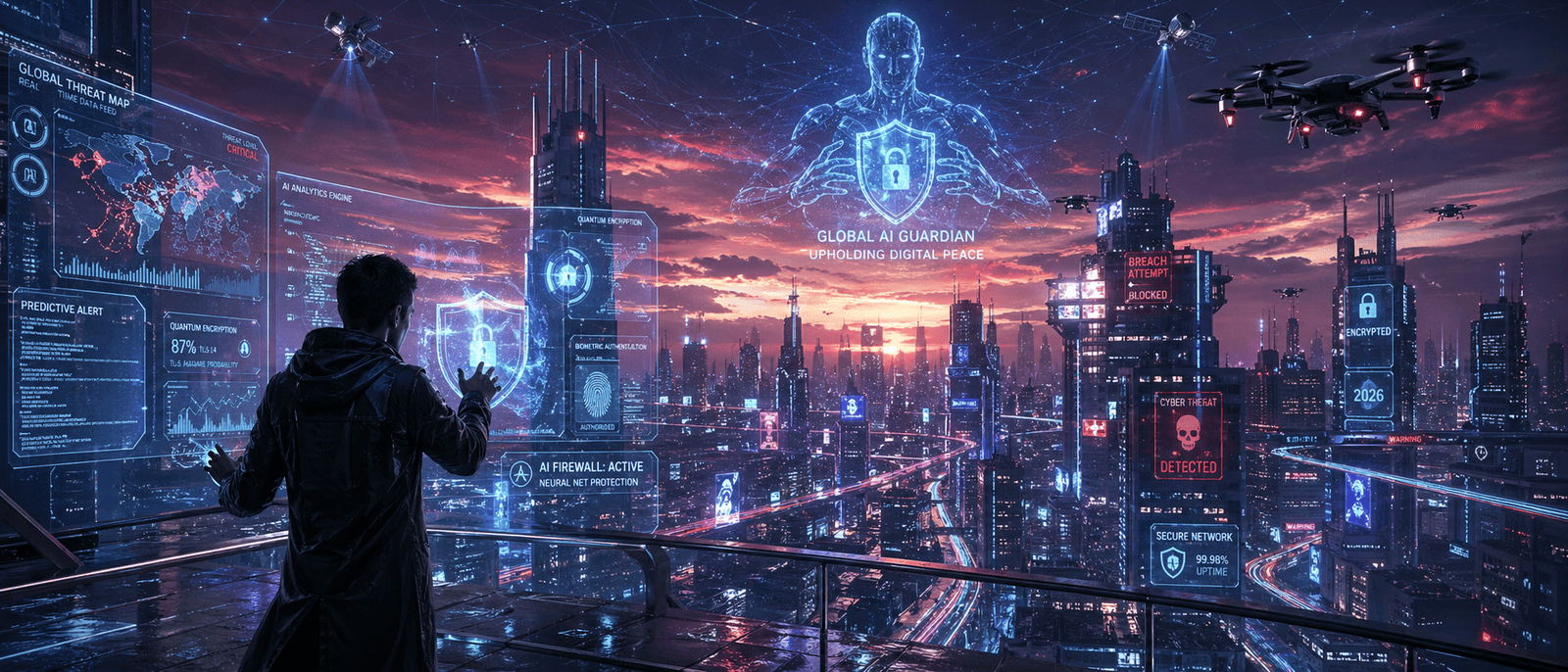
Imagine waking up one morning to find your bank account drained, your email locked and someone else living your digital life. Sounds like a movie, right? Sadly in 2026 this is a very real possibility and it’s happening to millions of people every single year. Here’s the thing: you don’t need to be a tech genius to protect yourself online. You just need to know what’s going on. So let’s break it all down simply, honestly and without the confusing tech talk.

What Even Is Cybersecurity?
Cybersecurity is basically the practice of protecting your devices, accounts and personal information from people who want to steal or damage them. Think of it like locking your front door except the door is your phone, laptop or email account. In 2026, our lives are more digital than ever. We shop, bank, work and even go to the doctor online. That means there’s more valuable stuff to steal and more ways for bad actors to try.
The Biggest Cyber Threats in 2026
-
AI-Powered Phishing Attacks
Phishing is when someone tricks you into giving up your password or personal info usually by pretending to be someone you trust like your bank or Google. What’s new in 2026? Hackers are now using AI to write these fake messages. They no longer look sketchy or have weird spelling mistakes. They sound exactly like your real bank. Some even mimic the voice of your boss or family member in a phone call.
How to stay safe:
- Always verify unexpected requests by calling the person directly
- Never click links in emails or texts without double-checking the sender’s address
- If something feels off, trust your gut it usually is
-
Ransomware on Everyday People
Ransomware used to mostly target big corporations. Not anymore. In 2026, regular folks are getting hit too. Here’s how it works: a hacker gets into your computer, locks all your files and then demands money to unlock them.
Lost family photos, school projects, work files all held hostage. It’s brutal.
How to stay safe:
- Back up your files regularly (Google Drive, iCloud or an external hard drive work great)
- Never download files from sketchy websites or unknown email attachments
- Keep your operating system updated patches fix security holes hackers love
-
Password Breaches
Weak or reused passwords are still one of the biggest security problems in 2026. If a website you use gets hacked and your password leaks, criminals will try that same password on your email, bank and social media.
How to stay safe:
- Use a password manager (like Bitwarden or 1Password) to create and store unique passwords
- Never reuse the same password across multiple sites
- Aim for passwords that are long and random not your pet’s name
-
Social Engineering Scams
This is when someone manipulates you psychologically to get what they want. They might impersonate customer support, a government official or even a friend in trouble.
In 2026, deepfake videos and AI voice cloning have made these scams terrifyingly convincing. Someone could send you a video of your “mom” asking for money and it’s completely fake.
How to stay safe:
- Establish a family code word for emergencies that only real people would know
- Be skeptical of any urgent request involving money or sensitive info
- Verify identity through a second trusted communication channel
Simple Things You Can Do Right Now
You don’t need expensive software or a computer science degree. Here are some quick wins:
- Turn on two-factor authentication (2FA) on every important account it adds a second lock to your door
- Update your apps and devices those annoying update notifications exist for a reason
- Use a VPN on public Wi-Fi (like at coffee shops or airports)
- Review your privacy settings on social media you might be sharing more than you think
- Check if your email has been breached at haveibeenpwned.com it’s free and takes 10 seconds
Our Experience
We’re a small tech team three developers and a designer and honestly? We thought we were too small to be targeted. We were wrong. Last year one of our team members clicked a phishing link that looked exactly like a Google login page. Within minutes, our shared project folder was compromised. It wasn’t dramatic like in movies it was quiet and terrifying. That incident pushed us to finally get serious. We set up password managers for the whole team, enabled 2FA on everything and started running monthly “security hygiene” check-ins. We also started using an email filter that flags suspicious links before anyone can click them. The biggest lesson we learned? Cybersecurity isn’t a one-time setup it’s an ongoing habit. And the best time to start is before something goes wrong not after. If you’re a small team or solo creator reading this: you are a target. Not because you’re important but because hackers often go after the least protected. Don’t be that person.
Frequently Asked Questions (FAQ)
Q1: Do I really need antivirus software in 2026?
Yes, but it’s not the only thing you need. However, antivirus alone won’t protect you from phishing, weak passwords or social engineering. Think of it as one layer in a multi-layer defense.
Q2: What is two-factor authentication and why does it matter?
Two-factor authentication (2FA) means you need two things to log in: your password AND a second verification step (like a code sent to your phone). Even if someone steals your password, they still can’t get in without that second factor. It’s one of the most effective things you can do today.
Q3: Is public Wi-Fi really that dangerous?
It can be. On unsecured networks hackers can sometimes intercept the data you’re sending and receiving. Using a VPN (Virtual Private Network) encrypts your connection, making it much harder for anyone to snoop. Avoid logging into bank accounts on public Wi-Fi without a VPN.
Q4: How do I know if I’ve already been hacked?
Some signs include: you’re suddenly logged out of accounts, friends receive weird messages from you, your device is slower than usual or you see unfamiliar logins in your account activity. You can also check haveibeenpwned.com to see if your email appeared in any known data breaches.
Q5: Is it safe to store passwords in my browser?
It’s convenient but not the safest option. Browser saved passwords can be exposed if your device is compromised or if someone accesses your browser profile. A dedicated password manager (like Bitwarden or 1Password) encrypts your passwords much more securely.
Q6: Are kids and teens at risk too?
Absolutely. Younger users are often targeted through gaming platforms, social media and messaging apps. Scammers offer free game currency or exclusive items in exchange for login credentials. Teaching kids to recognize these tricks early is one of the most important things a parent can do.
Conclusion: Stay Smart, Stay Safe
Cybersecurity in 2026 doesn’t have to be complicated or scary. The threats are real but so are the solutions. Here are the key takeaways to remember:
- AI-powered scams are on the rise — be extra careful with unexpected emails, calls and messages
- Ransomware can hit anyone — back up your files and stay updated
- Weak passwords are your enemy — use a password manager
- Two-factor authentication is your best friend — turn it on everywhere
- Stay informed — the threat landscape changes fast and a little awareness goes a long way
You don’t need to be paranoid. You just need to be prepared. Think of cybersecurity like wearing a seatbelt a small habit that can save you from a world of pain. Start with one thing today. Just one. Update a password, turn on 2FA or check haveibeenpwned.com. Small steps add up to strong protection.